Audit trail, versions and an IQ/OQ validation pack for 21 CFR Part 11 and Annex 11.
Keep each product as a project with numbered versions and a chained audit trail, saved as plain files in a folder your company chooses. QA gets an IQ/OQ they can run in a few minutes and the documents to support it.
Projects
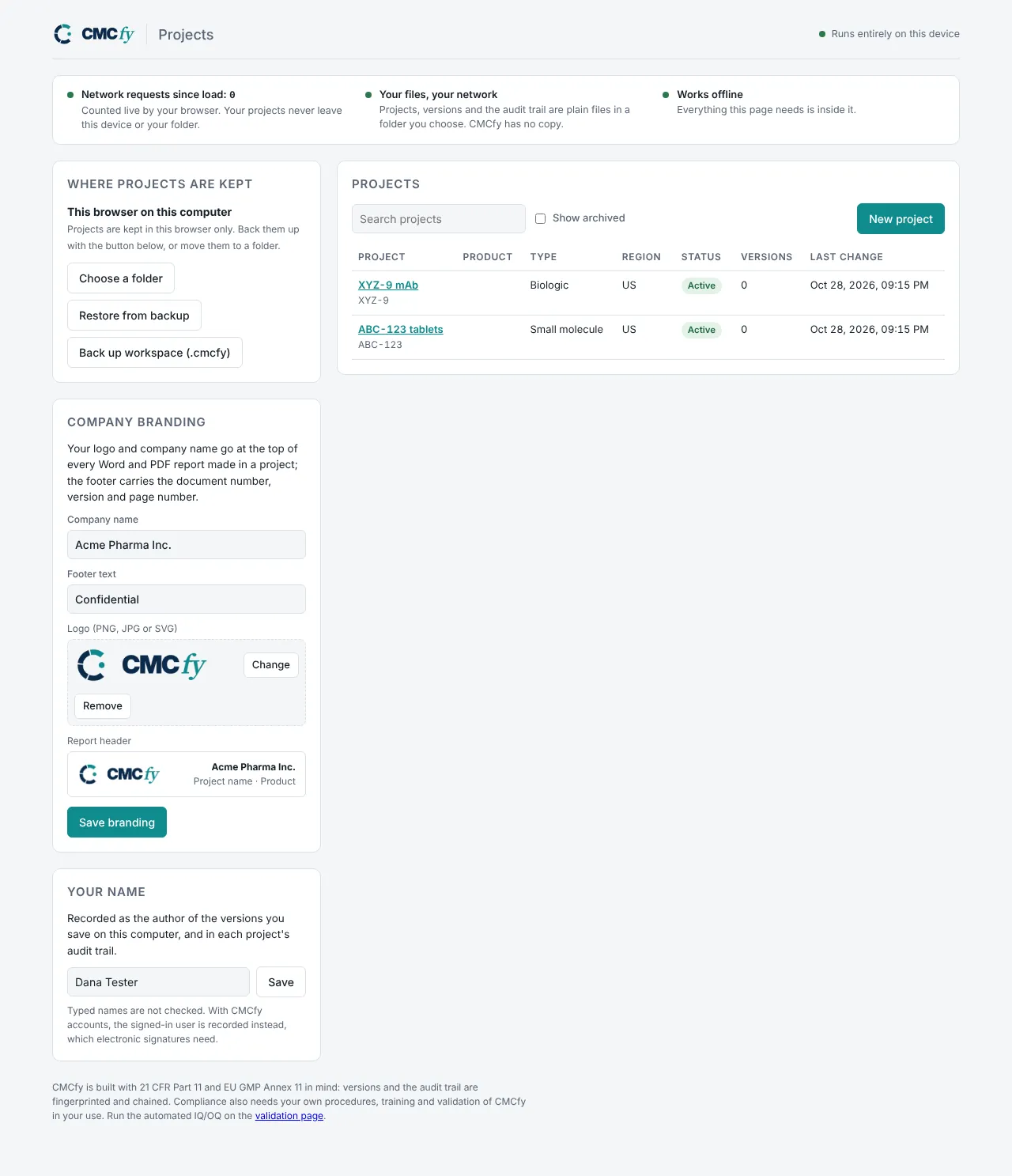
Every product as a project, every change recorded
- Many projects per companyTen or more CMC projects side by side, each with its own inputs, region and status.
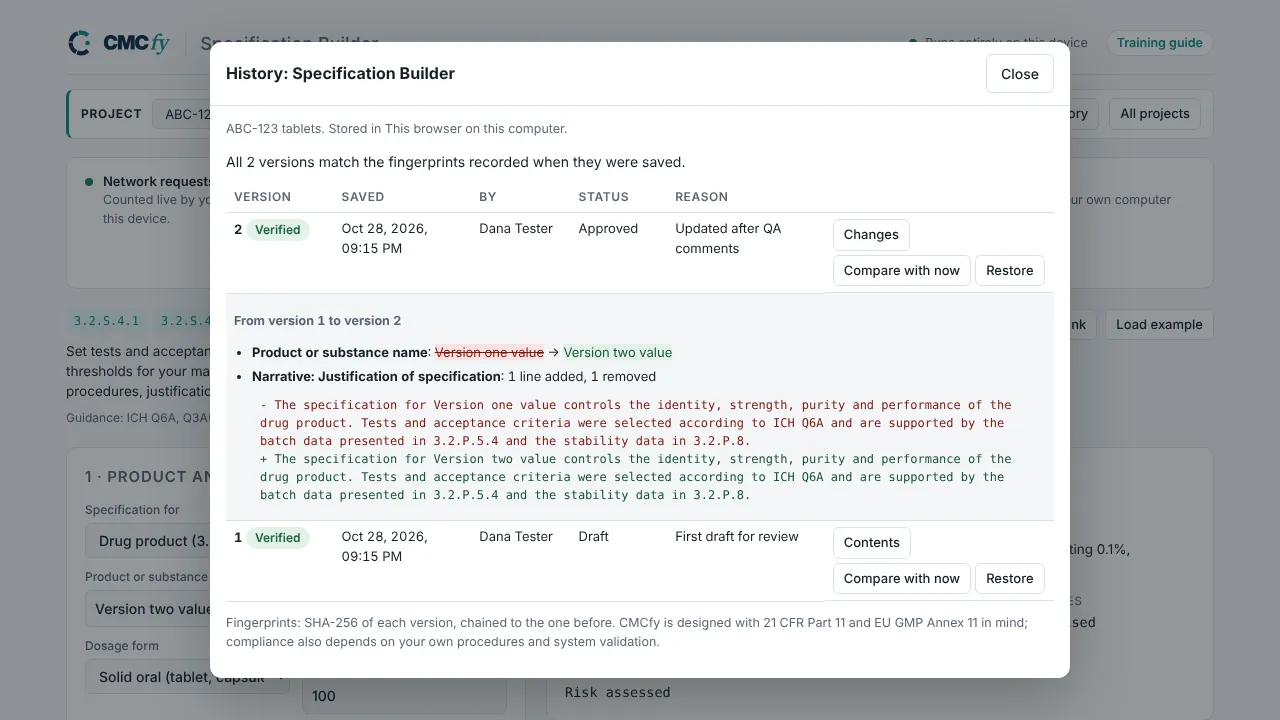
- Numbered versionsA version needs a name and a reason, records who and when, and is never overwritten. Earlier versions read back exactly.
- A chained audit trailEach entry carries the old and new values, the user and the UTC time, and is fingerprinted and chained, so an edit outside CMCfy shows up as altered.
- Your logo on the reportsCompany name and logo at the top of every Word and PDF report, with document number, version and page in the footer.
Projects live in a folder you pick on your computer or network drive. CMCfy has no copy.
Version history and audit trail
Compare any two versions line by line, mark one approved, and export the audit trail as CSV.
Validation pack
Supplier documents, procedures and an automated IQ/OQ for computer system validation
Automated IQ/OQ
The validation page runs 21 scripted tests on each browser and computer type you use: the release fingerprint, projects, versions, the audit trail and the calculations. It downloads a Word execution record for signature.
Supplier documents
Supplier statement and validation summary, user requirements, functional specification, risk assessment, IQ and OQ protocols, traceability matrix, and a 21 CFR Part 11 and EU GMP Annex 11 assessment.
Templates for your side
A validation plan, a PQ protocol for your intended use and a validation summary report, ready to fill in.
Our procedures
How we develop and change CMCfy, handle defects, approve releases and train our people. Each release is versioned, so you qualify one version and know it won't change underneath you.
These verify CMCfy's controls and calculations as supplied. Your validation also needs your own requirements, a PQ in your intended use, procedures and training.
See it on your own computer
Open Projects, create a test project and save a version. Everything stays in the folder you choose.